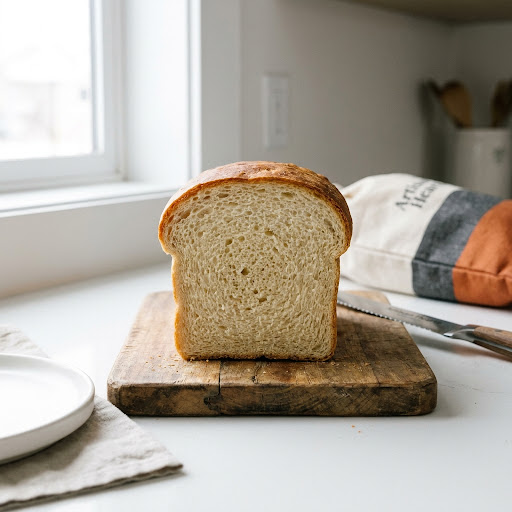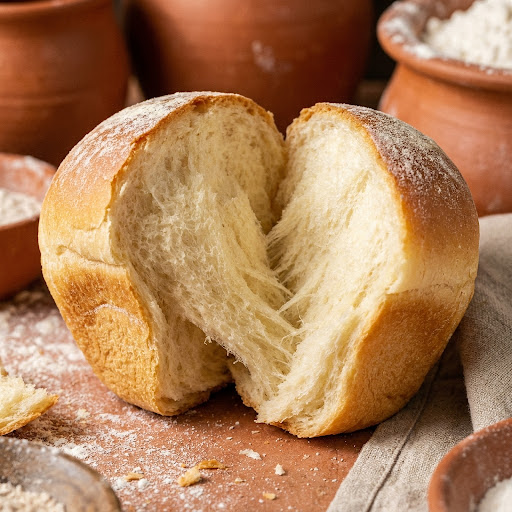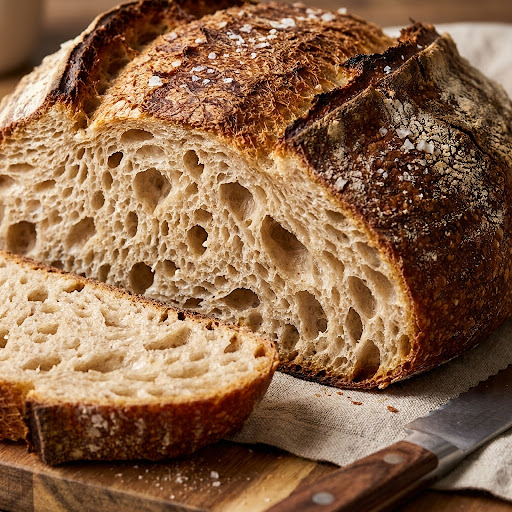
Weekend artisan boule
Example entryExtended bulk by 45 minutes at 74°F. Ear opened well; crumb more open than last week. Next time: hold back 20g water until after autolyse.
- Hydration
- 78%
- Style
- Artisan
- Rating
- 4 / 5
The art of record keeping
Log hydration, timing, and what you changed between bakes. My Loaf is your free sourdough baking journal—save notes, star ratings, and crumb photos with every recipe. A true sourdough baking tracker that stays on your device, with export when you want a backup.
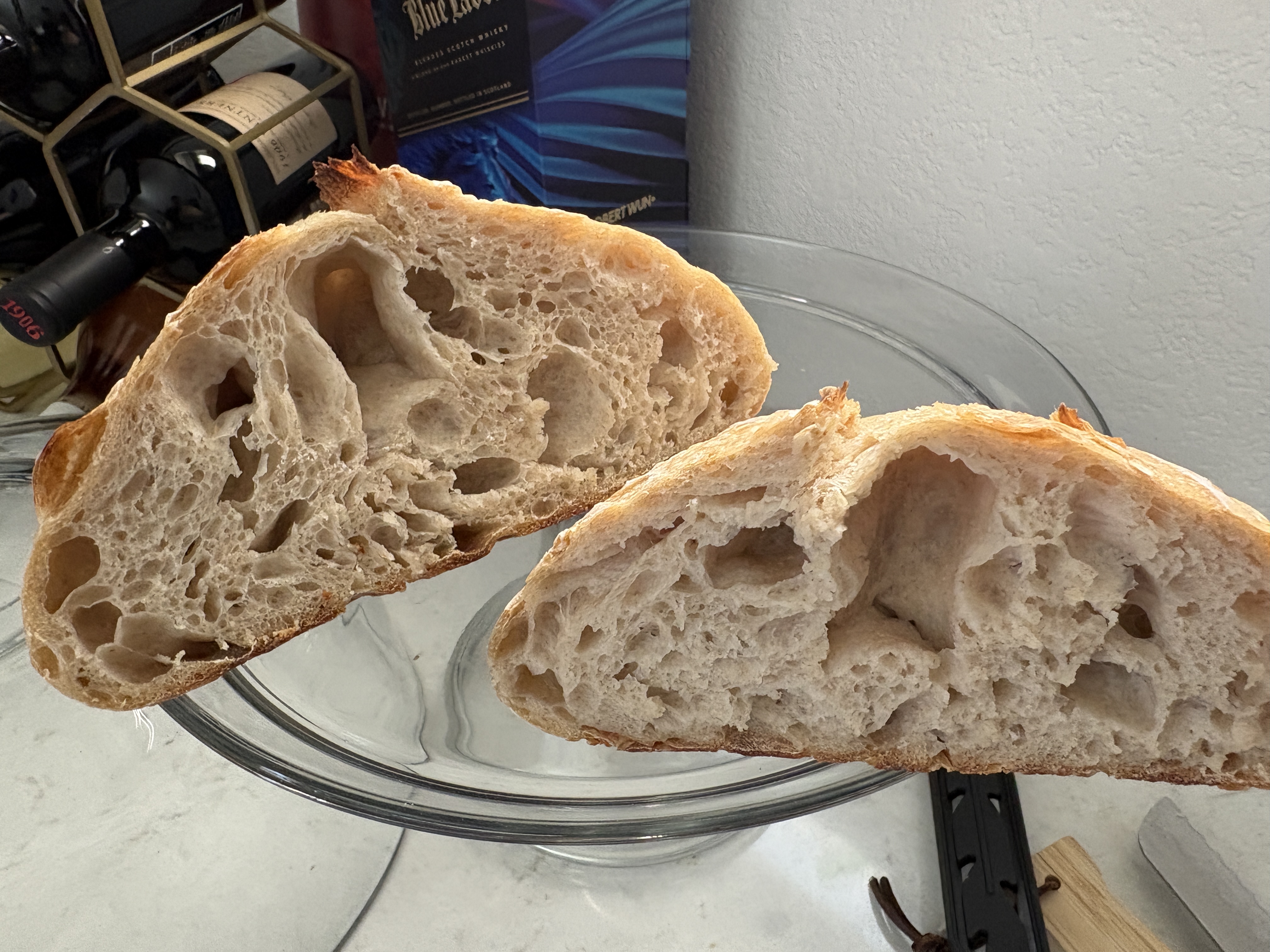
Illustrative example—your journal fills in as you save real bakes from the app.
Extended bulk by 45 minutes at 74°F. Ear opened well; crumb more open than last week. Next time: hold back 20g water until after autolyse.
Each saved bake keeps the recipe you used—hydration, leaven style, room temperature, and whole-wheat share—alongside your notes and photos. Scroll My Loaf to spot what changed when the crumb improved (or when bulk went too long).
The difference between a good loaf and a great one is often what you wrote down last time.
Bulk and proof windows are where bakes win or slip. Log how long bulk actually ran, whether the dough felt under- or over-proofed, and what the kitchen temperature was—the app already saves room temp with the recipe.
Recipe settings include the temp you baked at. Pair that with notes on rise behavior to refine your next schedule.
Attach photos of the crumb and crust. Compare side by side as you scroll My Loaf—no separate gallery app required.
You do not need a separate tag system. Saved bakes carry the formula you used—hydration, style, leaven, inoculation—so your sourdough notes stay tied to real numbers.
My Loaf works best when paired with the bake planner. Build a recipe, bake with optional reminders, then document the result.
Create a recipe in Guided or Pro, then tap Start baking to track stages. Enable browser reminders if you want nudges during bulk or proof.
When the bake finishes (or anytime from history), save the entry. The full formula and settings travel with it automatically.
Write what worked, what failed, and what to try next. Rate the loaf and attach photos of the crumb or crust.
Export JSON for backup. Load a past bake to see settings, then adjust sliders for the next attempt. Read others’ reflections on our public baking journal.
You do not need a perfect lab notebook. A few honest lines after each bake compound over months:
The app already captures baker’s percentages, leaven type, and room temperature when you save from a planned bake. Your notes add the parts a calculator cannot—smell, touch, and judgment calls.
For deeper technique, pair My Loaf with guides on hydration, bread texture, and using the bake planner.
My Loaf is the baking journal inside Sourdough and Bread. It stores in-progress and completed bakes with the full recipe, your notes, a star rating, and photos—all saved locally in your browser.
Yes. My Loaf stores in-progress and completed bakes with notes and photos on your device (localStorage). You can export and import your history. No account is required.
Bake history stays in your browser’s localStorage on the device you use. It is not uploaded to a server. Clear site data only if you are okay losing local history—or export a JSON backup first.
Yes. From My Loaf you can export your bake history as JSON and import it on the same or another browser. Useful before switching devices or clearing site data.
No. Sourdough and Bread is free in the browser with no sign-in. Open My Loaf, save a bake after you finish (or during an active bake), and your notes and photos stay on your device.
When you build a recipe and tap Start baking, the app tracks each stage. When the bake is done, save it to My Loaf with notes and photos. The saved entry includes the recipe settings you used—hydration, leaven, style—so you can compare loaves over time.
Advertisement
Open My Loaf, save your next bake with notes and photos, and build a sourdough journal you can actually learn from.